Upload a photo with text in any language — get instant translation.
Powered by AI. Supports 100+ source languages, translates to 20+ targets.
Drop an image to translate
Upload a photo with text in any language — get instant translation
Supports JPEG, PNG, WebP, BMP, PDF — up to 10MB
Or click outside this box, then press Ctrl+V to paste a screenshot
The easiest way to translate text in images — one step, any language.
Upload an image and get the translation instantly — no need to copy-paste text. OCR + translation in one click.
Our AI recognizes text in over 100 languages automatically — no need to select the source language.
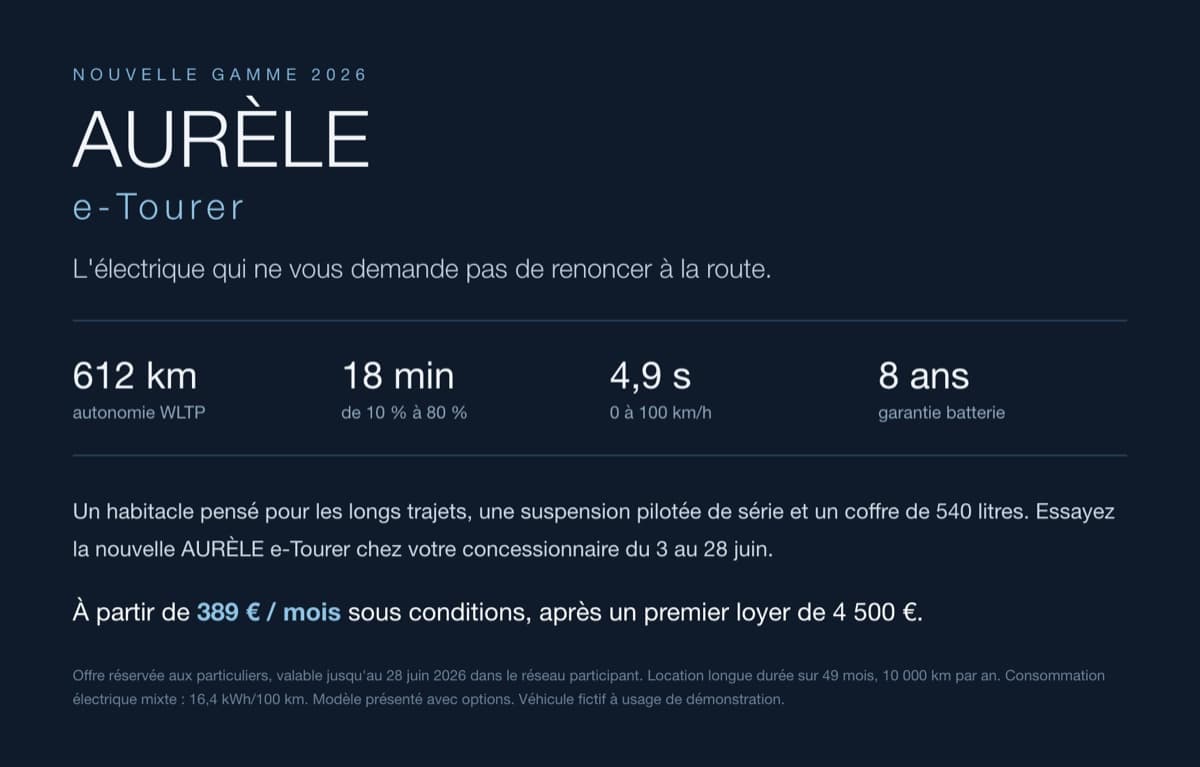
Traveling abroad? Snap a photo of any sign, menu, or notice and get it translated in seconds.
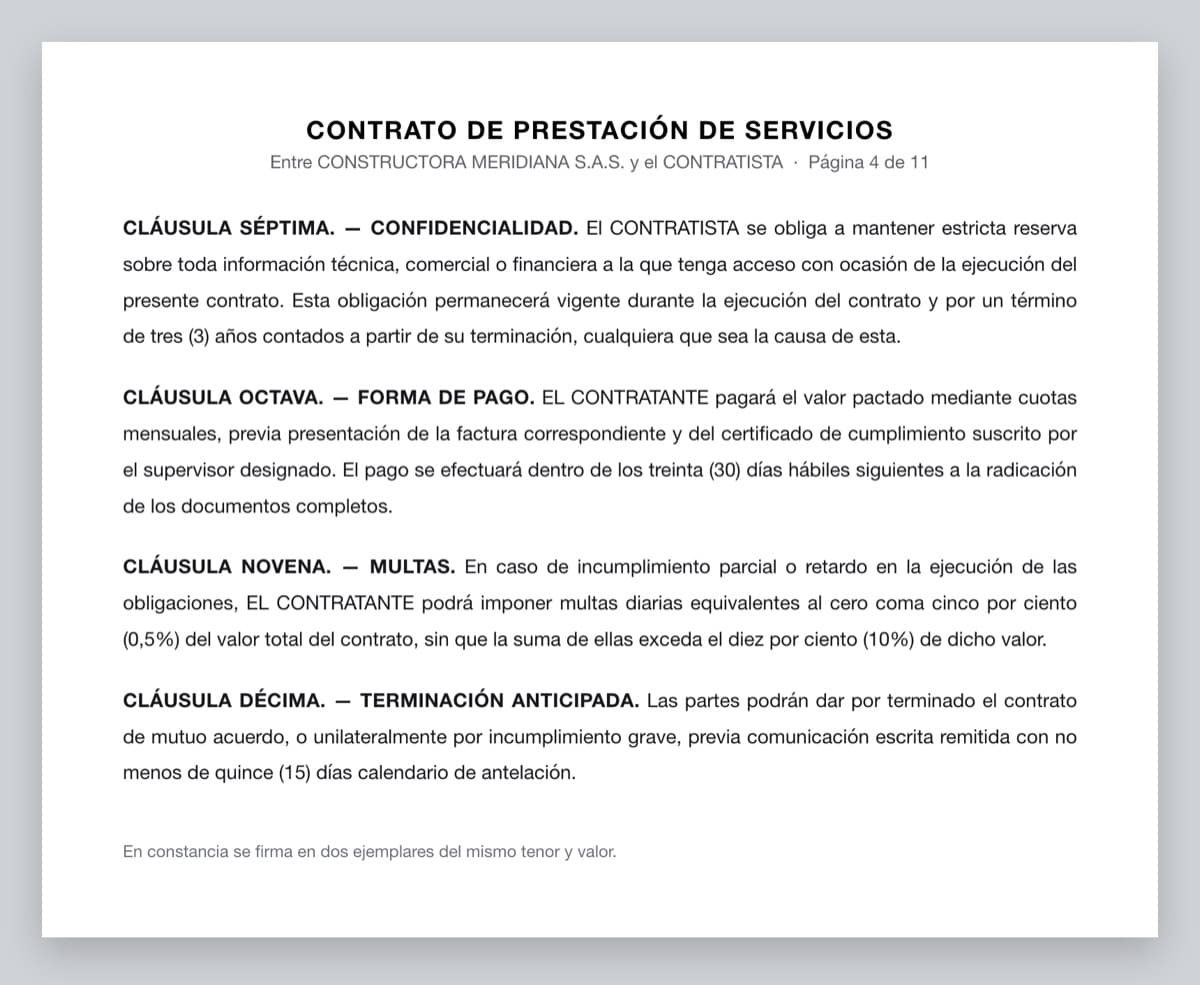
Translate scanned documents, forms, and official papers. Supports PDF and all common image formats.
Paste a screenshot directly from clipboard and translate the text. Perfect for chat messages and social media.
Your images are processed securely and auto-deleted after 30 days. We never share your data.
Select which language you want the text translated into from 20+ supported languages.
Drag and drop, click to upload, or paste from clipboard. Any photo with text works.
AI extracts and translates the text automatically. Copy the original or translated text with one click.
Have a question? Contact us at support@img2txt.app
Our AI image translator combines OCR (Optical Character Recognition) with neural machine translation. It first extracts all text from your image, detects the source language automatically, then translates it to your chosen target language — all in one step.
The AI can recognize text in 100+ source languages and translate to 20+ target languages including English, Chinese, Japanese, Korean, Russian, Spanish, Portuguese, French, German, Italian, Arabic, Hindi, Thai, Vietnamese, and more.
Yes! Just take a photo of any sign, menu, document, or text and upload it. The AI works great with phone camera photos, even at angles or in varying lighting conditions.
Yes! You can use it for free up to 3 times per day without an account, or 6 times per day with a free account. For unlimited translations, upgrade to Pro starting at $4.9/month.
Absolutely! You can paste screenshots directly from your clipboard using Ctrl+V (or Cmd+V on Mac). This is perfect for translating chat messages, social media posts, or any on-screen text.
We use state-of-the-art AI models for both text recognition and translation. Accuracy is very high for printed text and common languages. Handwritten text and rare language pairs may have lower accuracy.
JPEG, PNG, WebP, BMP, and PDF files up to 10MB. Most common image formats from phones, cameras, and screenshots are supported.
Yes. Images are processed securely and automatically deleted after 30 days. We never share your images or translations with third parties.