
Extract Text from Any Image

Upload a photo, screenshot, or document — get editable text in seconds.
Powered by AI. Supports 100+ languages.

Drop an image here, or click to upload

Supports JPEG, PNG, WebP, BMP, PDF — up to 10MB

Or click outside this box, then press Ctrl+V to paste a screenshot

How to Convert Image to Text with AI?

The fastest and most accurate way to extract text from any image.

AI-Powered OCR

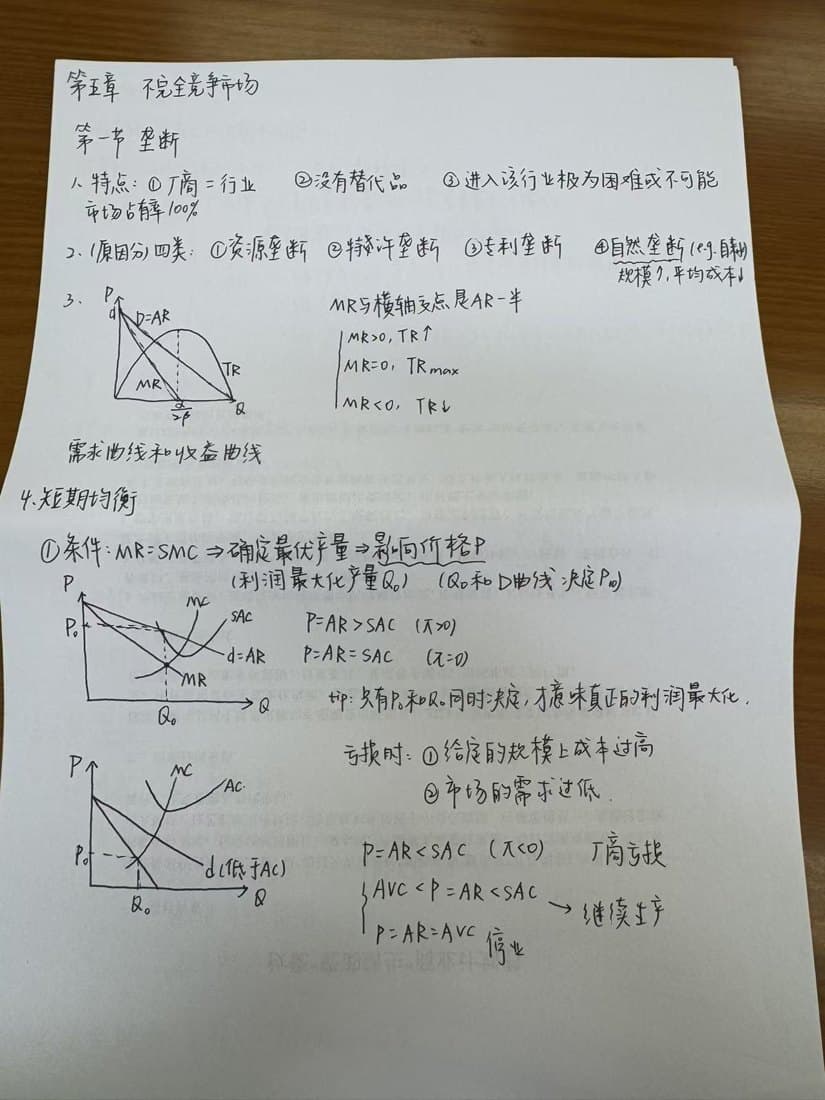
State-of-the-art AI recognizes text in 100+ languages with high accuracy — even handwritten notes and complex layouts.

Any Image Format

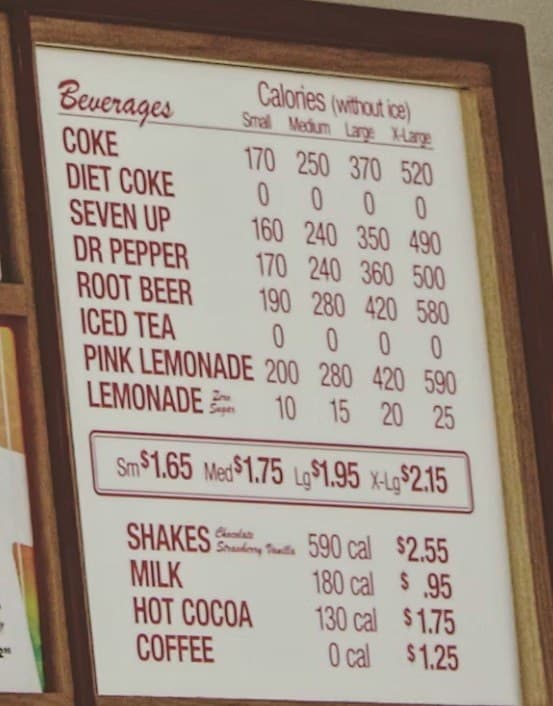
Upload JPEG, PNG, WebP, BMP, or PDF files up to 10MB. Works with photos, screenshots, scanned documents, and more.

Copy & Edit

Extracted text is fully editable. Copy to clipboard with one click or edit inline before exporting.

Privacy First

Your images are processed securely and automatically deleted after 30 days. We never share your data.

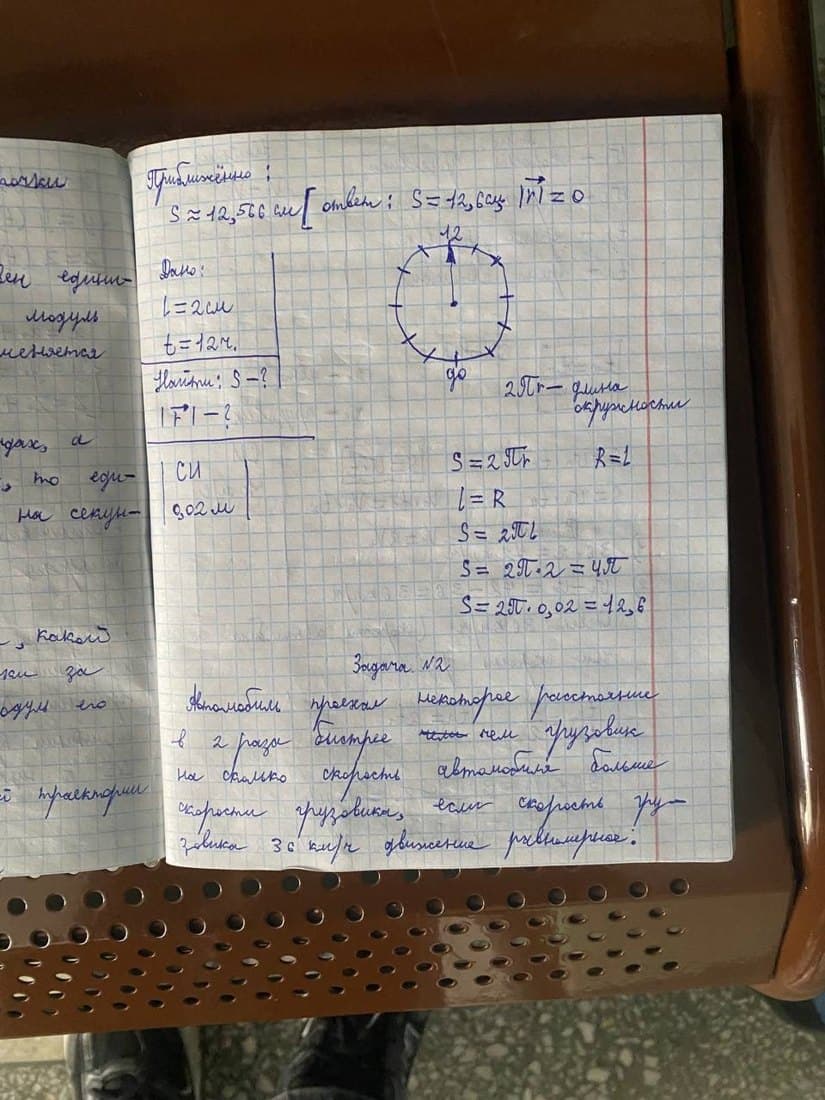
Handwriting Recognition

Our AI can read handwritten notes, not just printed text. Great for digitizing notebooks and letters.

No Install Required

Works directly in your browser. No app download, no software installation. Just upload and go.

HOW IT WORKS

Three steps. Done.

1

Upload Your Image

Drag and drop or click to upload any image — photo, screenshot, scanned document, or PDF.

2

Extract Text

Our AI instantly recognizes and extracts all text from your image with high accuracy.

3

Copy & Use

Copy the extracted text to clipboard with one click, or edit it inline before using.

Image to Text — Frequently Asked Questions

Have another question? Contact us at support@img2txt.app

Img2Txt is a free online OCR (Optical Character Recognition) tool that uses AI to extract text from images. Simply upload any image — photo, screenshot, or scanned document — and our AI will recognize and extract all text content. You can then copy or edit the extracted text.


Img2Txt supports JPEG, PNG, WebP, BMP, and PDF files up to 10MB. It works with photos taken by phone, screenshots, scanned documents, and any other image containing text.


Our AI-powered OCR supports 100+ languages including English, Chinese, Japanese, Korean, Russian, Spanish, Portuguese, Arabic, Hindi, and many more. It can also handle mixed-language documents.


Yes! You can use Img2Txt for free with up to 3 extractions per day without signing up, or 6 per day with a free account. For unlimited usage, upgrade to our Pro plan starting at $4.9/month.


Absolutely. Your uploaded images are processed securely and automatically deleted after 30 days. We never share your images or extracted text with third parties.


No! Img2Txt works entirely in your web browser. No downloads, no plugins, no installation required. Just visit img2txt.app and start extracting text.


Yes, our AI can recognize handwritten text, though accuracy depends on the legibility of the handwriting. Printed and typed text achieves the highest recognition accuracy.


Yes! Upload a PDF file (up to 10MB) and Img2Txt will extract all text content from it, preserving the original formatting.


Start free. Scale when ready.

No credit card, no account needed to try. Pay only when you need more.

Free

$0

  • Image text extraction (OCR) · Limited
  • Image translation (AI) · Limited
  • 100+ language recognition

Pro Monthly

$4.9 / month
Auto-renews. Cancel anytime.

  • Unlimited image text extraction (OCR)
  • Unlimited image translation (AI)
  • 100+ language recognition
  • Email support
Best Deal

Pro Annual

$58.8
$39.9 / year
Auto-renews. Cancel anytime.

  • Unlimited image text extraction (OCR)
  • Unlimited image translation (AI)
  • 100+ language recognition
  • Email support
  • Save 32% vs monthly

Start Converting Image to Text Nowextracting

Upload your first image free — no account, no credit card, no catches.

Img2Txt - Extract Text from Images with AI OCR | Free Online Tool